Turn notes into high-retention study sessions.
Neurova combines flashcards, spaced repetition, OCR from notes and images, AI-assisted card generation, progress insights, streaks, XP, and iCloud sync in one calm, premium experience.
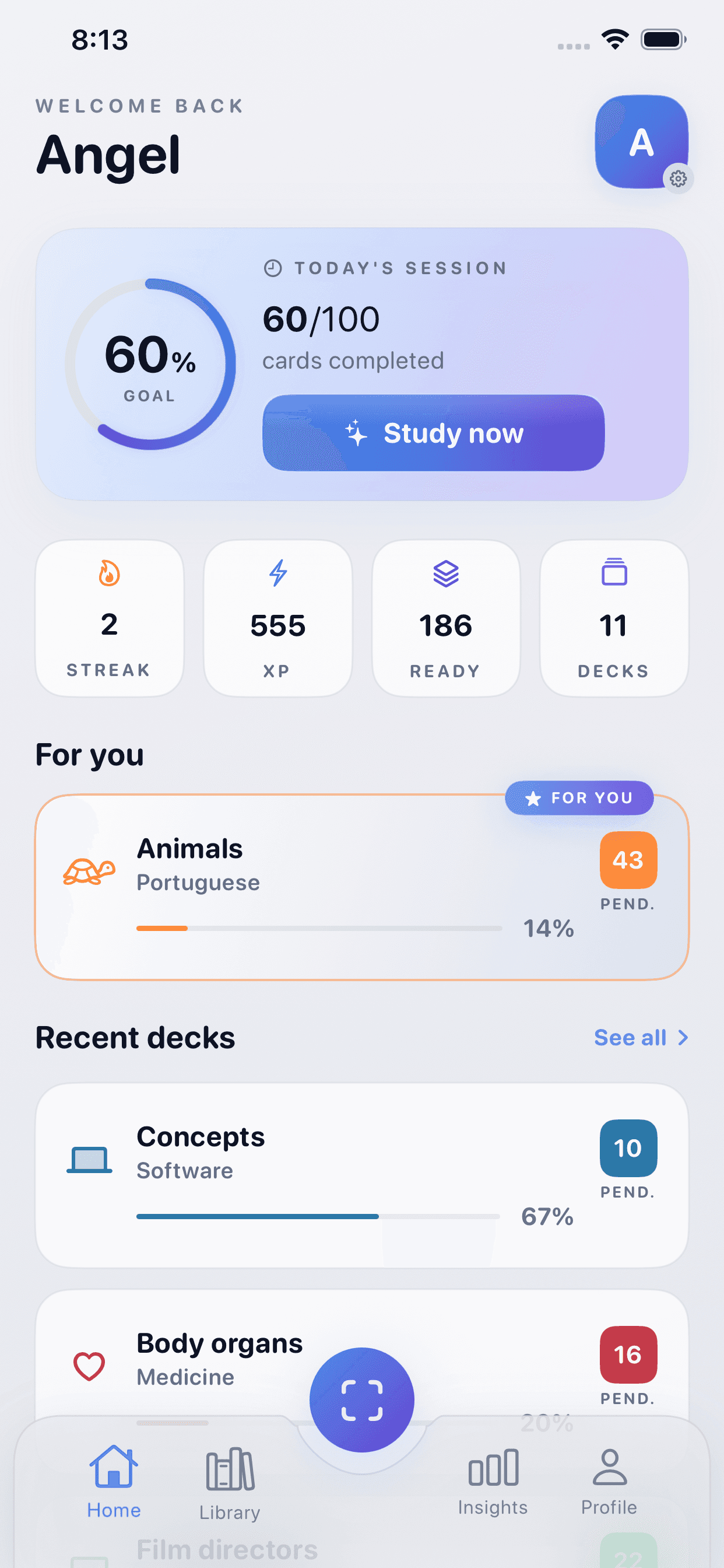
Clear study rhythm
A dashboard that keeps goals, ready cards, XP, and streaks visible without noise.
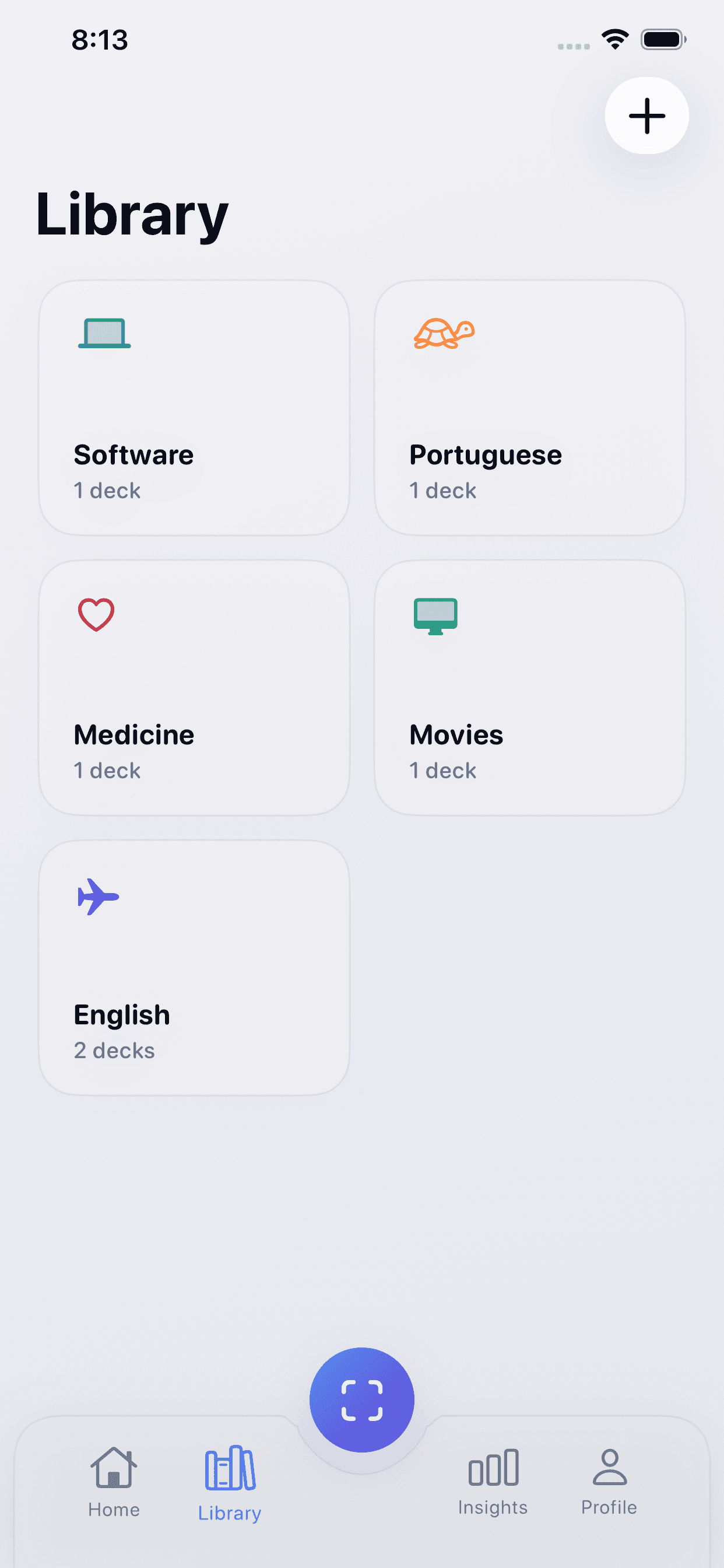
Organized library
Subjects and decks stay structured so generated material lands exactly where it should.
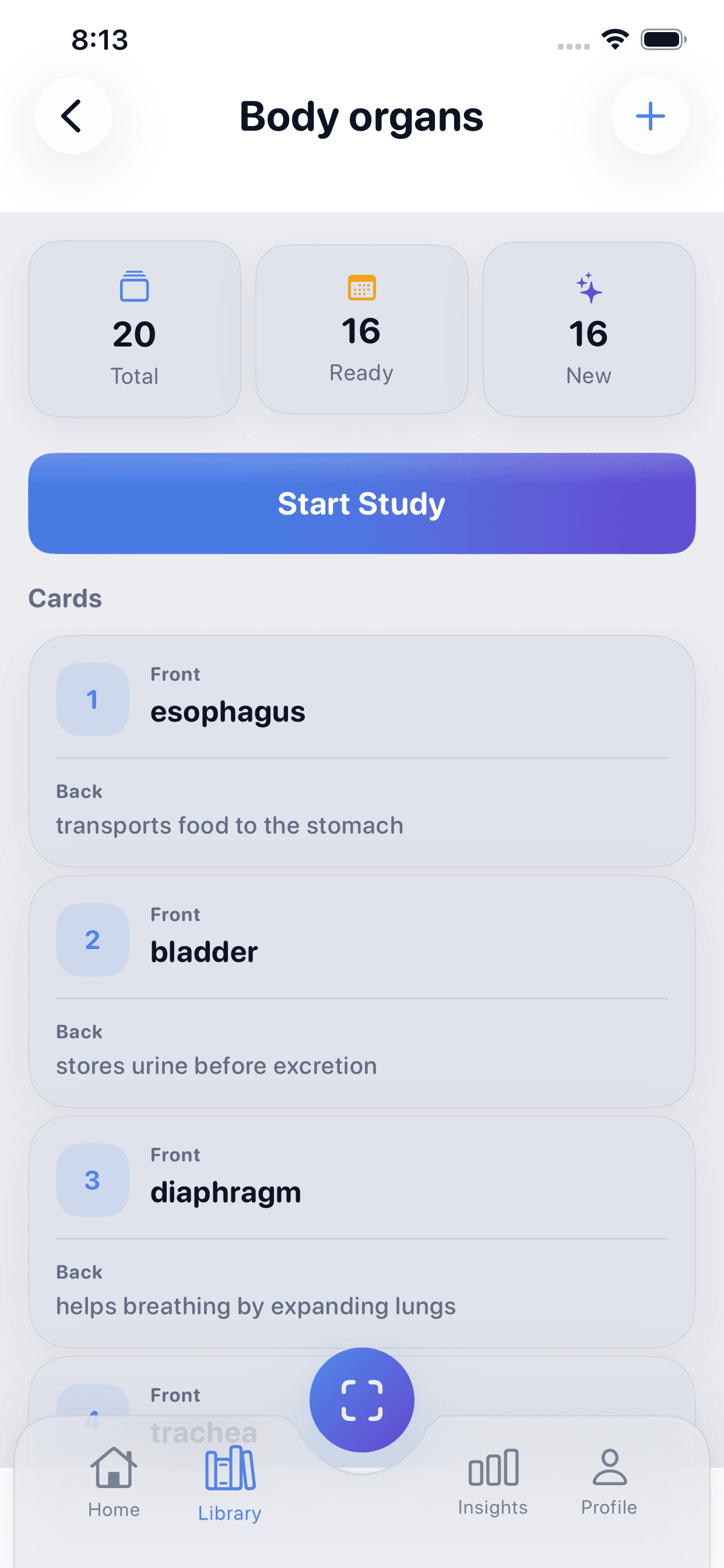
Confident review
Focused flashcard sessions with grading that supports a genuine spaced-repetition loop.
Private by default
The product is aligned with Apple-native account and sync behavior instead of ad tracking.
Study flow, not scattered tools
Capture notes, turn them into cards, review with spaced repetition, and keep the whole loop in one place.
Designed for serious learners
The interface stays calm, clear, and focused so your attention stays on the material instead of the UI.
Built around privacy
Your study data lives in your own iCloud/CloudKit private space and is used to power your experience, not ads.
A polished interface that stays quiet while your progress gets louder.
The design language comes from the app itself: soft light surfaces, cool blue depth, generous spacing, and premium cards that keep the experience focused.
Built to feel native to serious study sessions
The home, library, review flow, generator, and insight screens all share the same visual vocabulary so the product feels coherent as Neurova grows.
Asset slots
Easy to replace as you ship new visuals
Logo / App icon
Replace the current asset in `public/logo.png`.
iPhone screenshots
The current gallery reads from `public/screenshots/` and the localized content dictionary.
iPad screenshots
Add tablet images later in `media.ipadScreenshots` when they are ready.
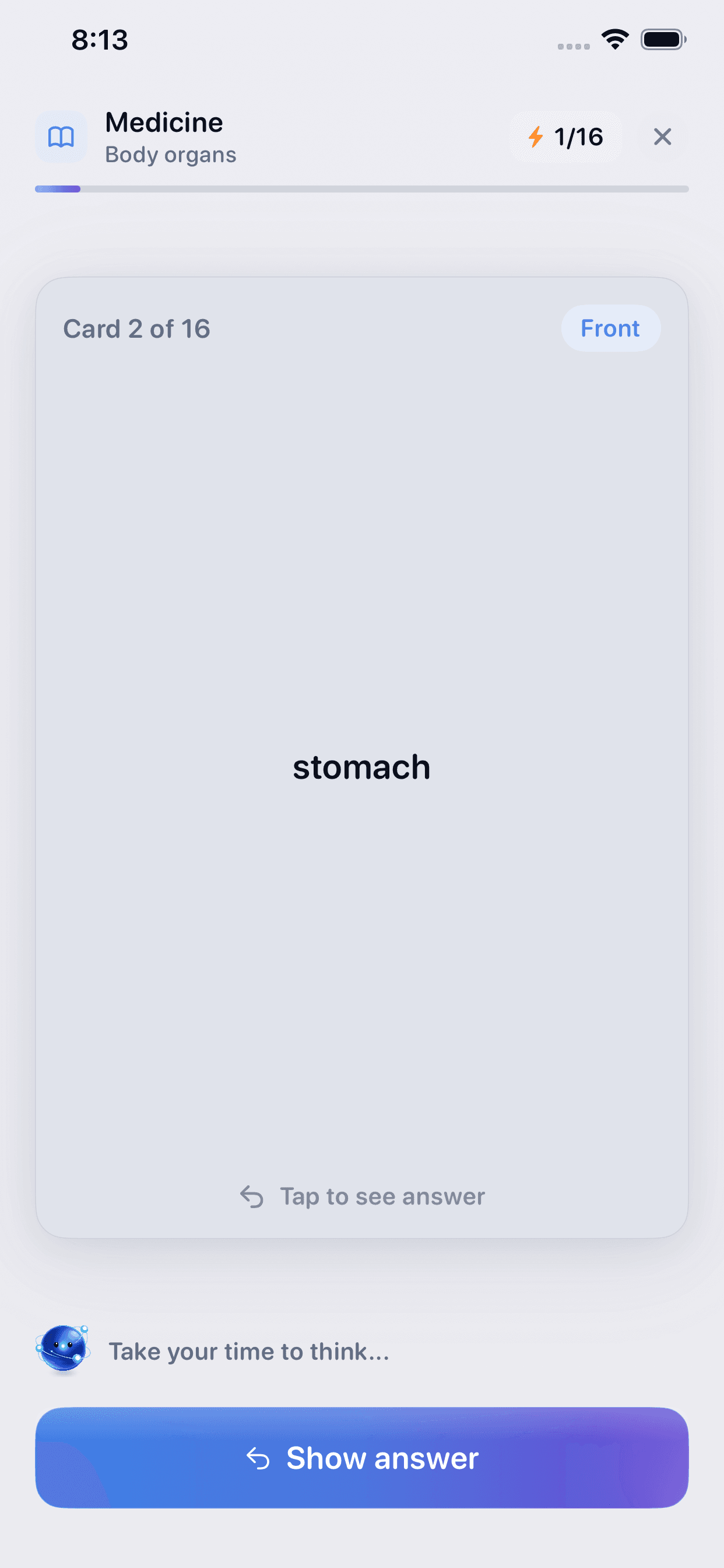
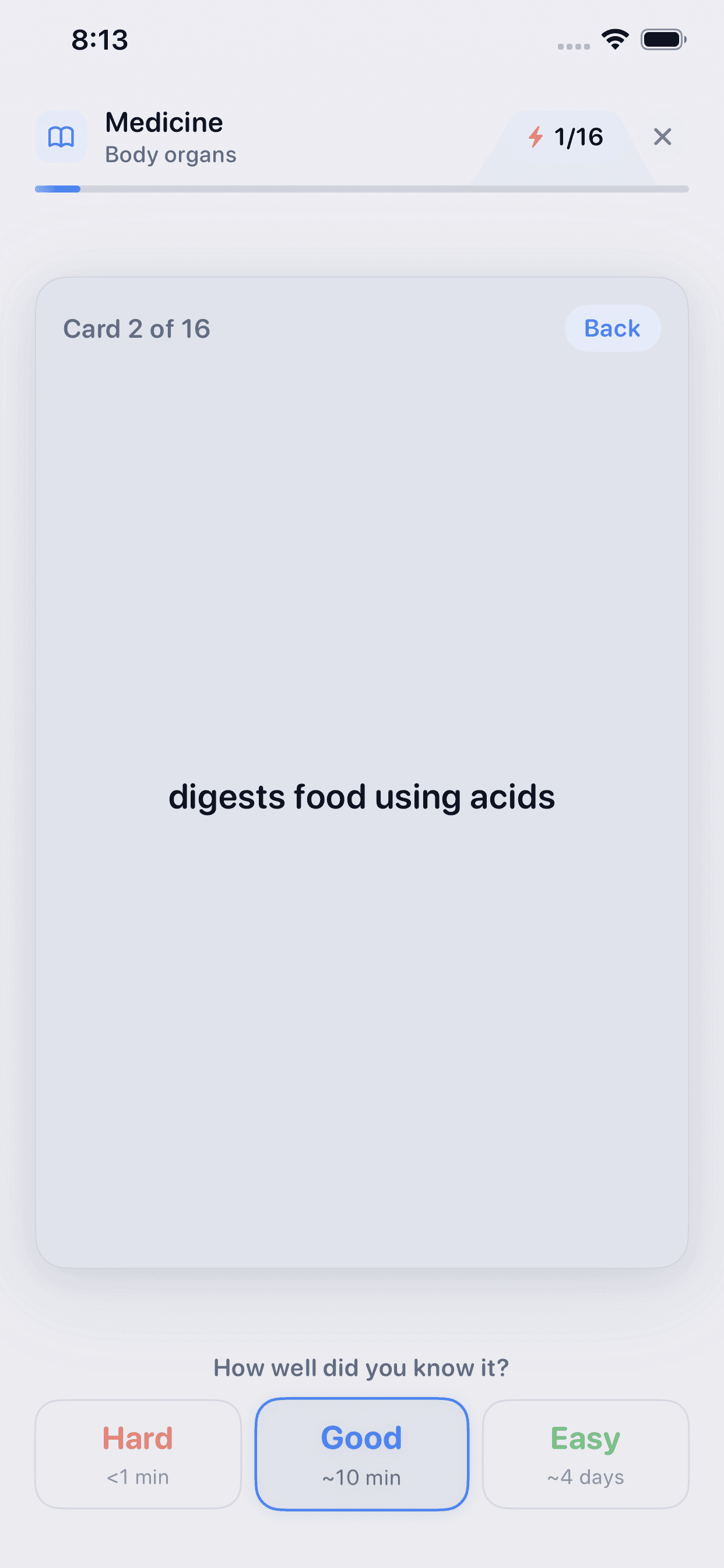
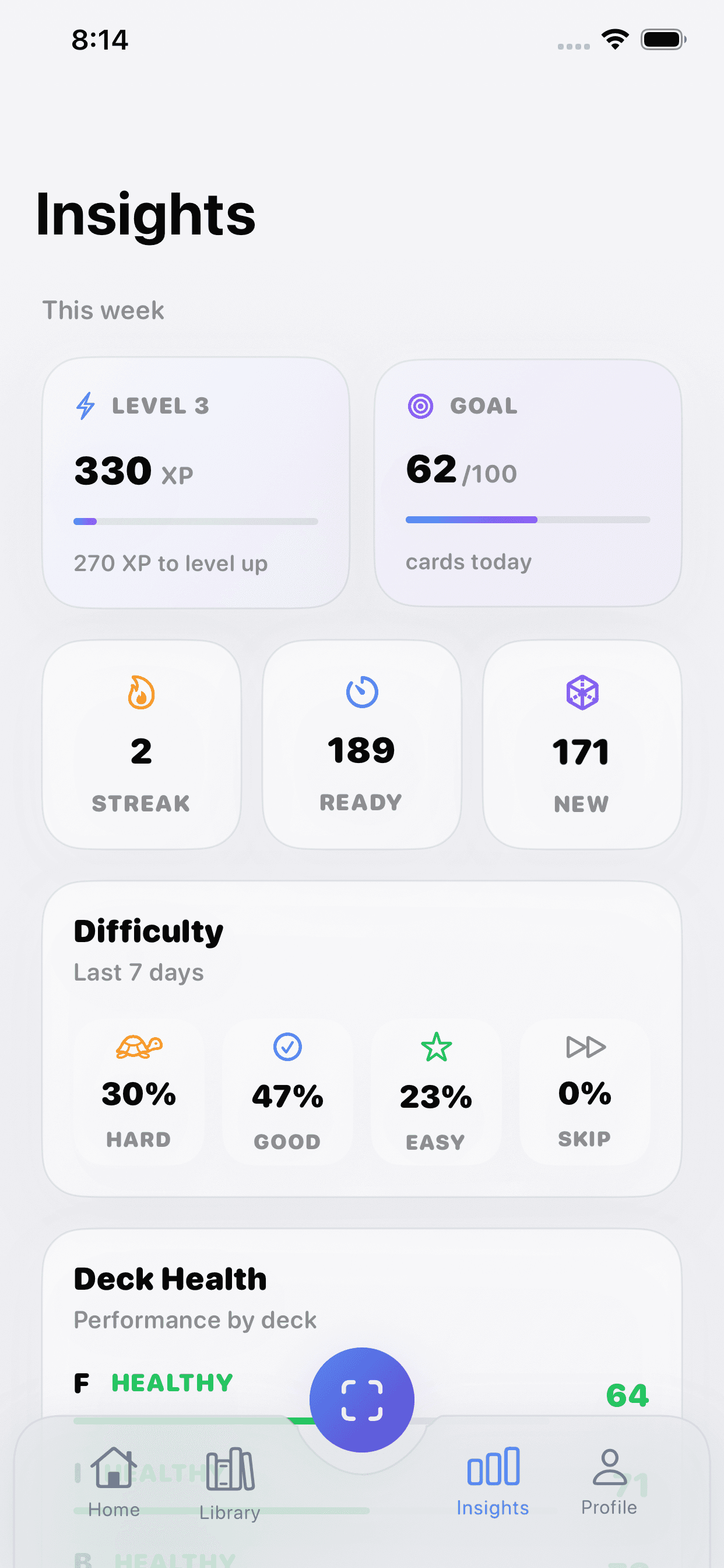
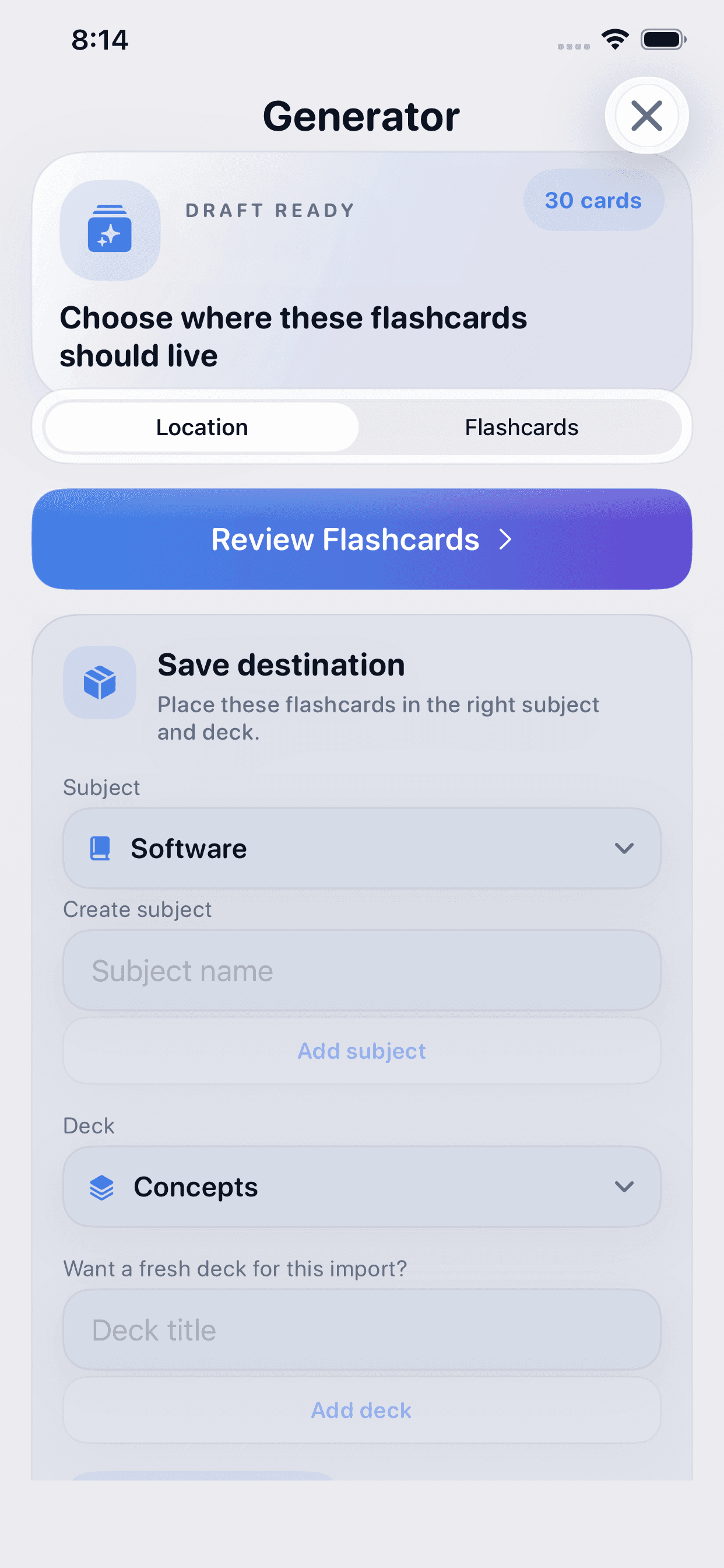
Everything Neurova needs to become a study system, not just a card viewer.
The product is intentionally built around the full loop: capture, organize, review, measure progress, and stay consistent over time.
Smart Flashcards
Build clean decks fast, keep concepts separated by subject, and review in a focused flow that feels native to iPhone.
OCR / Scan Notes
Import text or images, capture study material from your notes, and turn raw content into something usable right away.
Spaced Repetition
Reviews are scheduled around memory strength so you keep seeing the right cards at the right time.
Progress & Insights
Track readiness, deck health, XP, and study trends with a dashboard built to surface what needs attention.
iCloud Sync
Stay in sync with private CloudKit-backed storage so your decks, streaks, and progress move with you.
Daily Goals & Streaks
Keep consistency visible with goals, streaks, and rewarding momentum systems that make study habits stick.
A calmer study loop from raw material to long-term retention.
Neurova is structured so the workflow feels deliberate from the first import to the final review session.
Step 01
Capture and structure your material
Start from notes, screenshots, pasted text, or existing decks. Neurova helps shape scattered material into usable study input.
Step 02
Generate and refine flashcards
Turn source material into clean cards, review the generated output, and place each set exactly where it belongs.
Step 03
Review, adapt, and keep momentum
Study with spaced repetition, rate recall quality, and let the app adapt while you build streaks and XP over time.
Why the flow feels coherent
One visual language across the whole product.
The landing mirrors the same tone your app already communicates: crisp whitespace, soft blue depth, restrained gradients, and a premium light-mode foundation that can carry into future pages.
Consistent blue-to-cyan accent treatment
Glass cards and subtle shadows for a premium feel
Animations added with restraint so the product still feels serious
Answers to the questions users usually ask before they trust a study app.
Short, direct answers for App Store visitors, support traffic, and anyone deciding whether Neurova fits their study workflow.
Is Neurova only for flashcards?+
Flashcards are at the center of the experience, but Neurova is built as a full study workflow. You can capture source material, generate cards, organize subjects and decks, and track progress in one place.
Does Neurova use spaced repetition?+
Yes. Review timing adapts to how well you remember each card so you can spend more time on weak material and less on what already feels easy.
Can I create cards from notes or images?+
Yes. Neurova is designed around OCR and text-based study inputs so you can turn screenshots, notes, or pasted material into structured cards more quickly.
How does sync work?+
Neurova is designed to use iCloud/CloudKit private storage for syncing study data like decks, cards, progress, streaks, and preferences across your devices.
Does the app track me for ads?+
No. Neurova is not built around third-party advertising or selling personal data. The focus is on powering the study experience itself.
Ready for production
Give Neurova a web presence that feels as polished as the app.
This site is ready to serve as your Marketing URL, Support URL, and Privacy Policy URL while staying flexible enough for future product pages.